
Is 3D Printing Safe? My Experience Working Next to a Printer Every Day
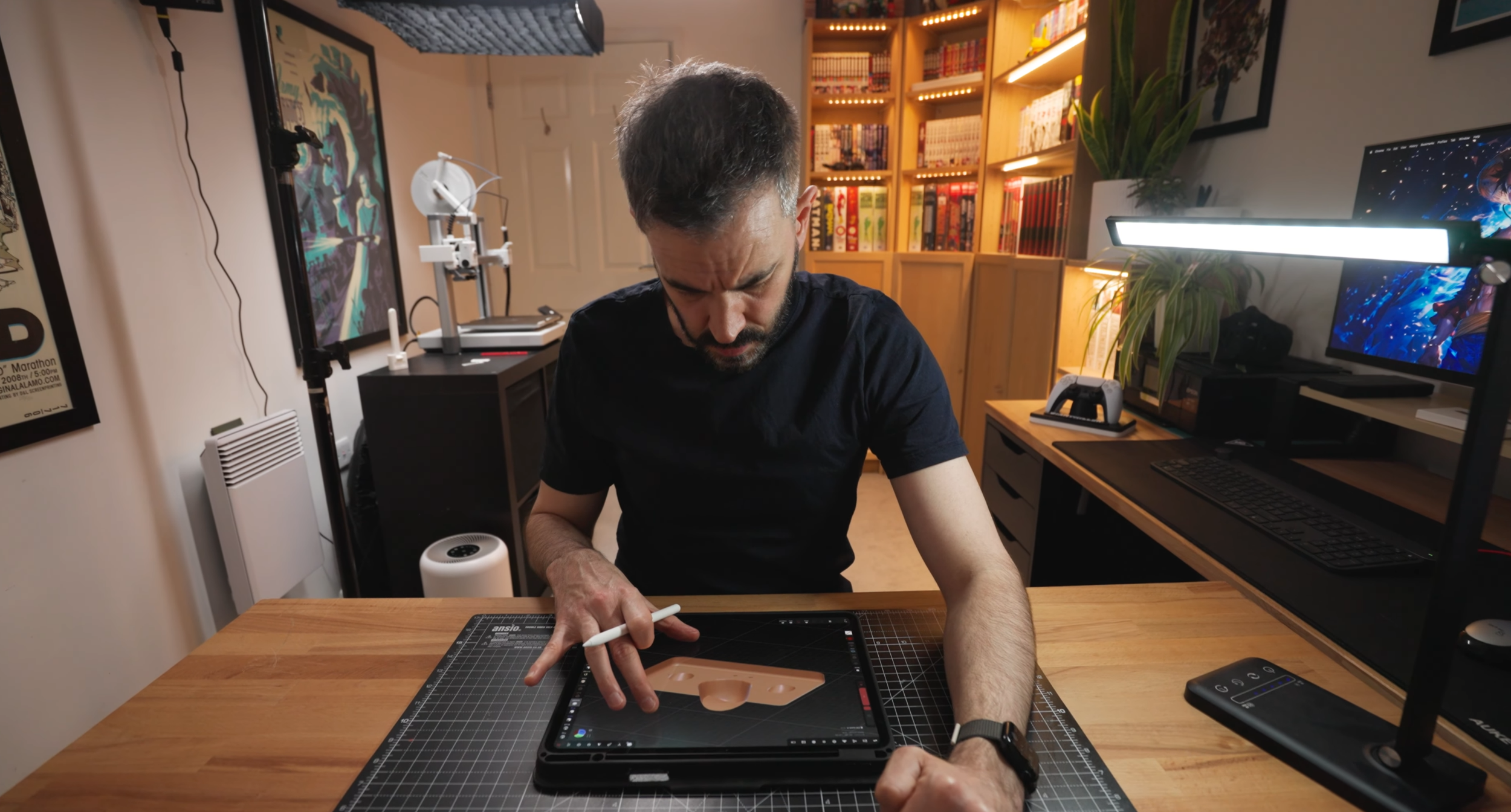
working next to a 3d printer
3D printing has exploded in popularity, and more of us are running printers in our home offices, spare rooms and even bedrooms. But a question I recently received from a viewer really hit home:
“Is it actually safe to work all day in the same room as your 3D printer?”
I’ve been using my Bambu Lab A1 for months in a setup that sounds almost identical to his — printer in the corner, me editing videos at my desk — so in this article I want to share my honest experience, what the research suggests, and a few practical steps to make your printing environment safer.
The Question That Started It All
A viewer emailed me saying:
He works in the same room as his printer for 8 hours a day
The printer is around two metres away
Ventilation is limited to an open door and a small ceiling fan
He mainly prints PLA but is moving into PETG
And he wanted to know: “Do you get any side effects?”
It’s a fair question — most hobbyists don’t have dedicated workshops. The printer just lives wherever they have space.
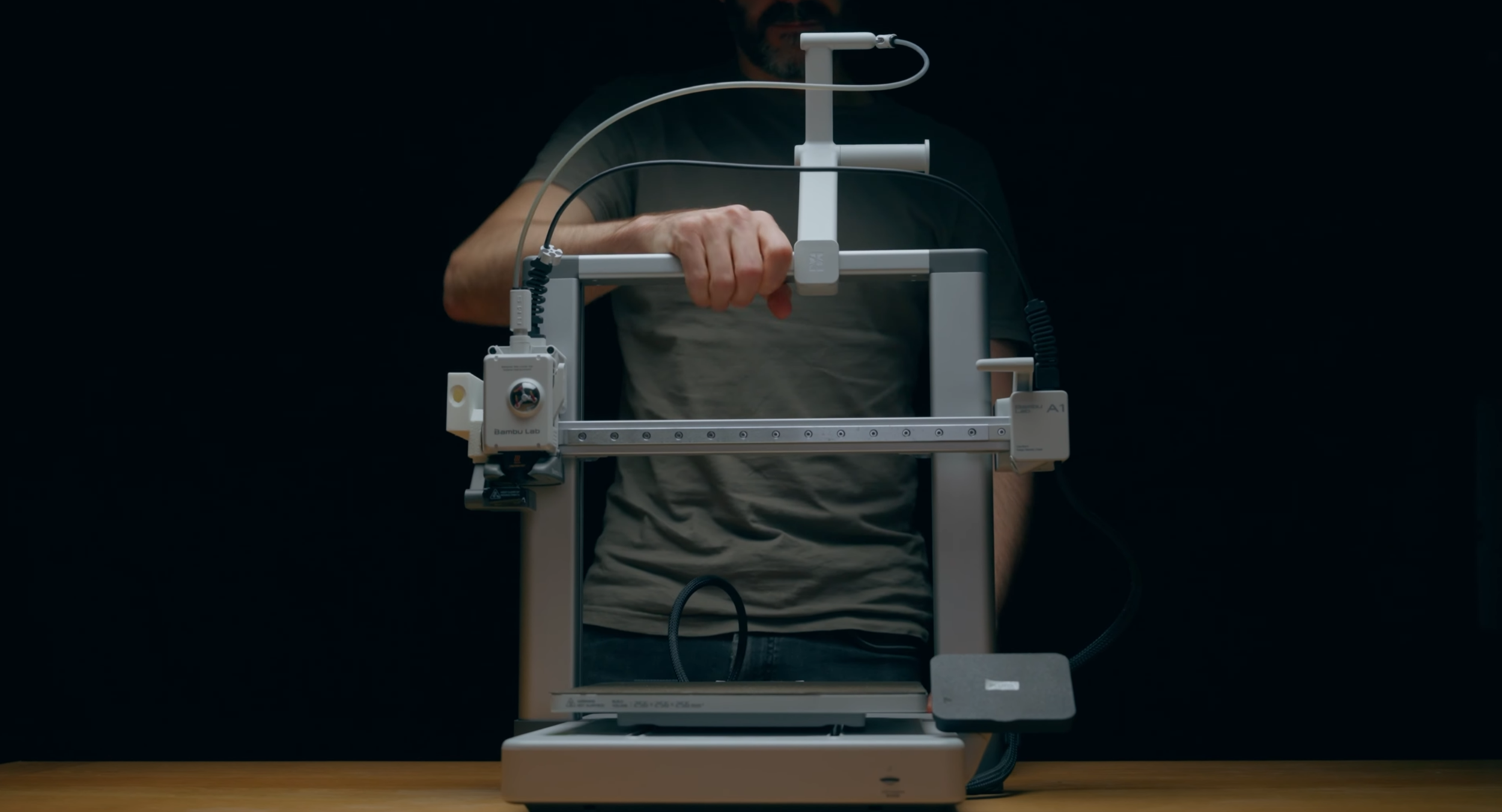
3d printer
My Honest Experience Sharing a Room With a 3D Printer
I’ll start with this:
When I print while working in the room, I feel it.
Not dramatically, but after a couple of hours I get a dry, scratchy throat. Enough to be noticeable. That alone told me I needed to take air quality seriously.
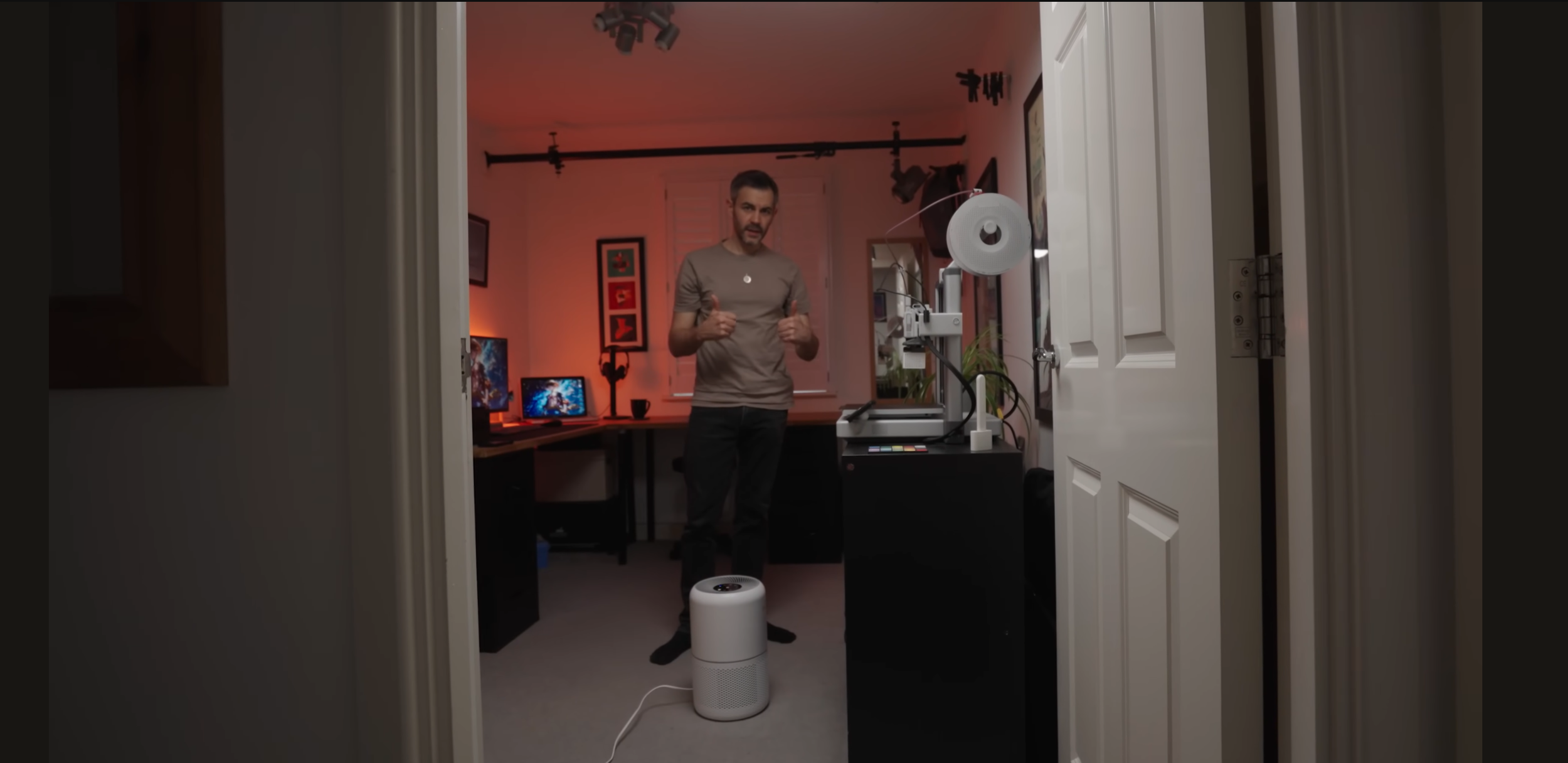
I now use a Levoit air purifier positioned right next to the printer, and I keep the door open to keep fresh air moving. The purifier definitely helps — it didn’t magically fix things overnight, but the scratchy-throat feeling is far less frequent.
And here’s something important that a lot of people misunderstand:
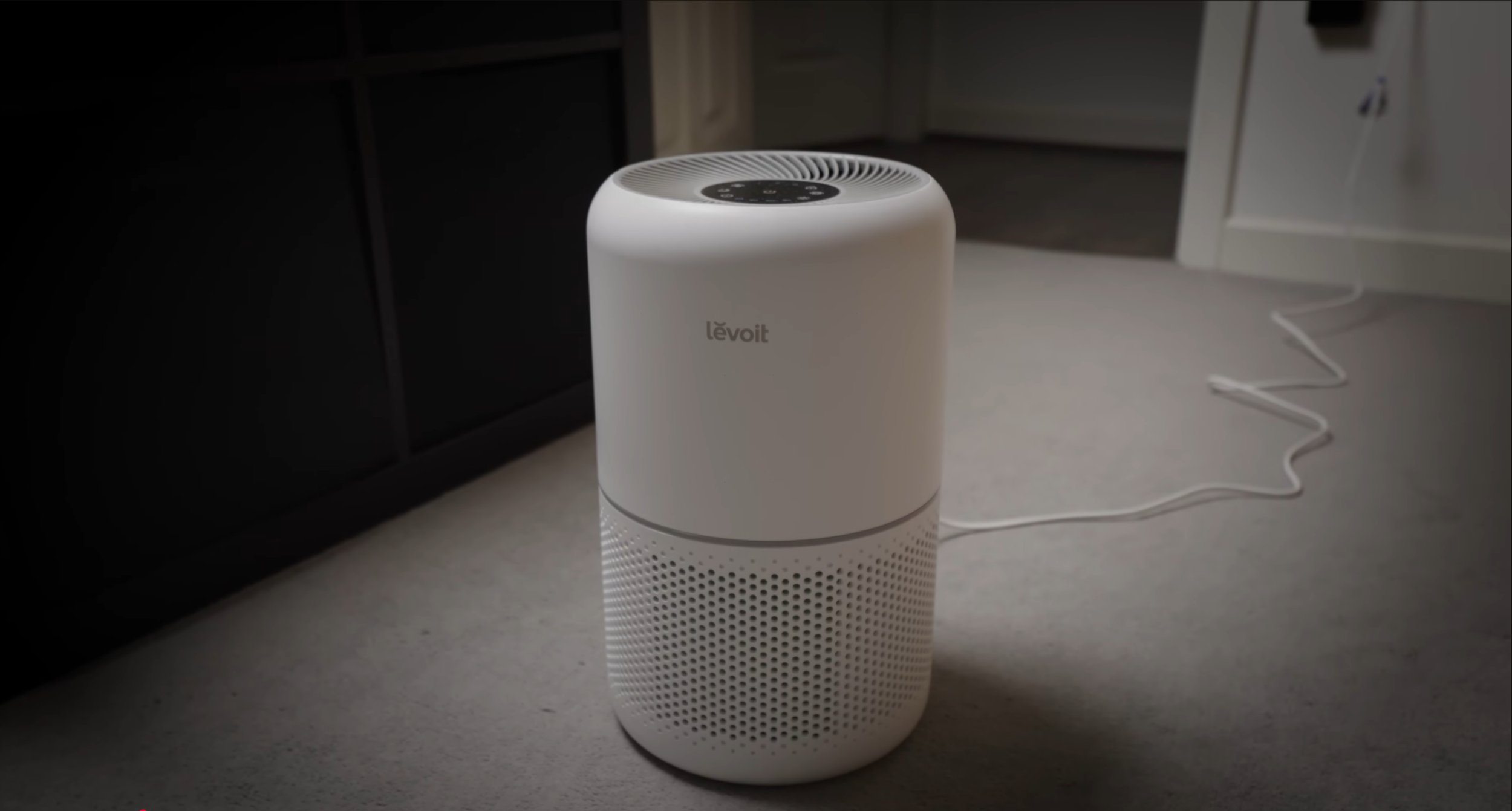
Levoit air purifier
PLA is “safer” — but it’s not completely clean
You’re still heating plastic.
You’re still releasing particles and fumes into the air.
The levels are low, sure — but in a small, unventilated room, for long periods every day, it adds up. It’s no different to running a gas hob without an extractor fan or burning a candle for hours in a sealed room. You can, but your air quality will take a hit.
PLA vs PETG vs ABS — What’s Actually Safe?
The viewer mentioned he’s transitioning to PETG because it’s cheaper where he lives. PETG is great, and it’s safer than ABS, but here’s the quick breakdown:
PLA: Lowest emissions, but not emission-free
PETG: Slightly more fumes and VOCs than PLA
ABS/ASA: Should always be printed with proper ventilation or an enclosure
Even printing PLA all day in a small bedroom isn’t ideal without airflow.
Does an Air Purifier Affect Print Quality?
I get this question a lot.
The short answer: No — not if you position it correctly.
I keep my purifier close to the printer but not blowing directly into the print area. As long as you’re not disrupting the hot air around the nozzle or cooling the print too aggressively, you won’t see issues.
My print quality has stayed consistent.
Where Does the Filtered Air Go?
In my case, the purifier simply recirculates filtered air into the room. It doesn’t vent outside. For that reason, I still keep a door or window open for long prints — just to make sure the room isn’t stagnant.
If you print ABS, ASA or lots of PETG, consider:
A vented enclosure
A DIY Corsi–Rosenthal Box (still the most fun name to say)
A stronger extraction system
The Most Important Advice From the Research
I found a transcript online that summed this up perfectly. The biggest takeaways were:
1. “PLA doesn’t mean you’re in the clear.”
It’s cleaner, but it’s still melted plastic.
2. Ventilation is the most important factor.
A cracked window, open door, or fan changes everything.
3. Use an air filter.
Even a simple setup improves air quality hugely.
4. Don’t print next to where you sleep.
If your printer is in your bedroom, move it or only run prints during the day.
5. Listen to your body.
Scratchy throat? Headache?
That’s your cue to improve the airflow immediately.
And this isn’t fear-mongering — it’s just being smart. 3D printing is safe when you take a few simple precautions.
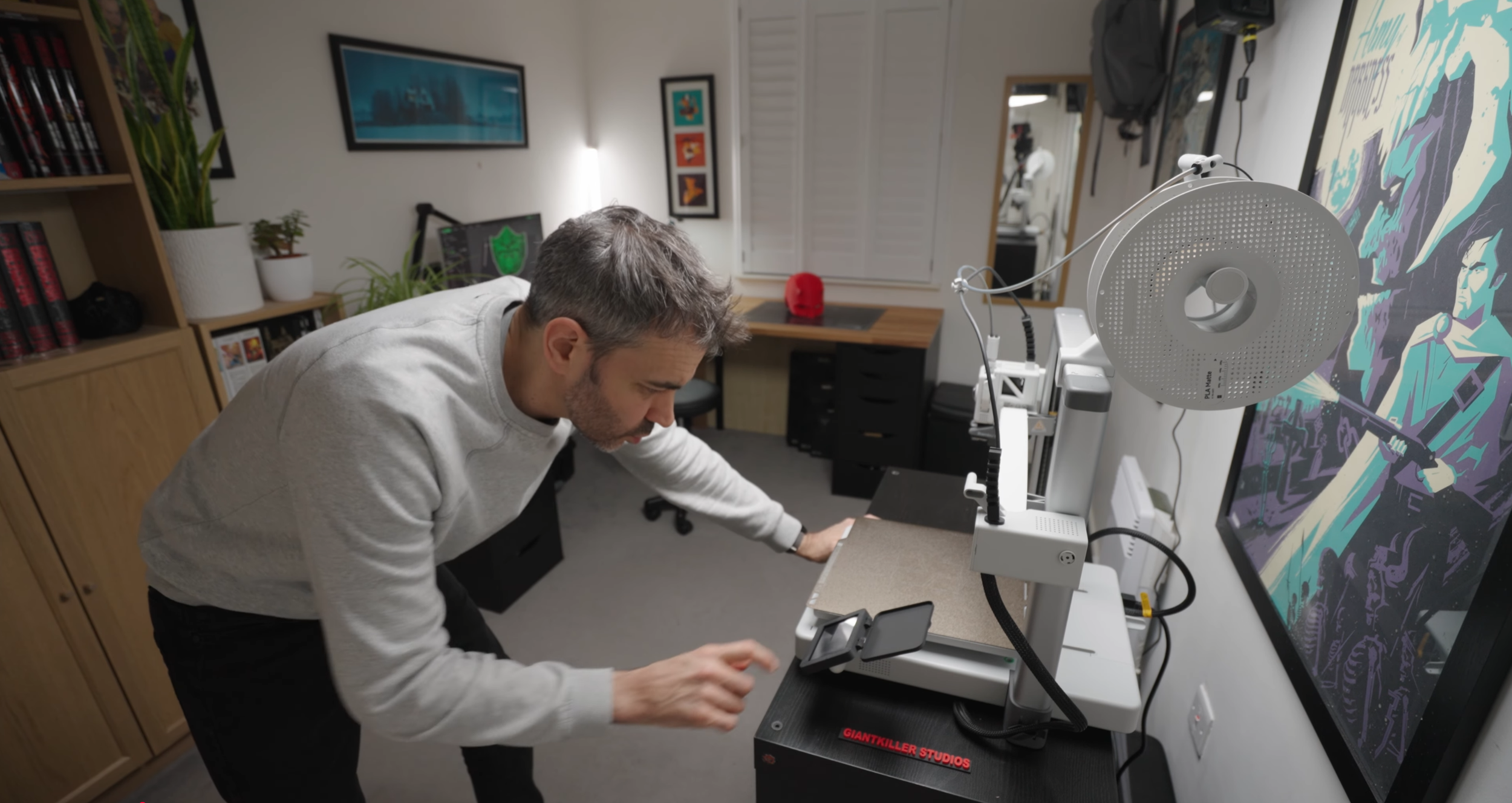
Bambu A1 3d Printer
My Recommended “Safe Printing” Checklist
If you print where you work, or you’re in a small room, here’s what I recommend:
✔ Use PLA for everyday prints
✔ Keep a window or door open during long prints
✔ Add an air purifier if possible
✔ Avoid printing next to your bed
✔ Consider an enclosure for PETG, ABS or long overnight sessions
✔ Upgrade ventilation if you experience any symptoms
These small changes make a big difference.
Final Thoughts
3D printing is an amazing hobby and tool, but like anything involving melted plastic, it’s worth treating it with a bit of respect. You don’t need to panic or rebuild your workspace — just be aware and make your environment as safe as possible.
If you’ve experienced anything similar, or you’ve got your own ventilation setup, I’d love to hear about it — feel free to message me .